Kadroflow
Sign in

Kadroflow

Your hiring team. Finally in flow.

Applications, interviews and offers, together.

Interactive demo

Pipeline

Every stage as a column, every candidate a card carrying its next step.

Applied2
—

Product Designer

—

Platform Engineer

Preselection1
52%

Platform Engineer

Screening3
74%

Frontend Engineer

68%

Backend Engineer

61%

Product Designer

Interview2
87%

Product Designer

71%

Frontend Engineer

Offer1
83%

Frontend Engineer

Accepted1
79%

Backend Engineer

Rejected and withdrawn candidates are in the Applicants list, not on the board.

Demonstration data. These candidates do not exist and nothing here is a real hiring decision.

Built for hiring teams

Move hiring forward, together.

Turn interview notes into a clear next step.

Bring feedback and evidence together. Your team makes the decision.

Explore the workflow
Interview scorecardtwo interviewers, one set of criteria
CriterionFirst interviewerSecond interviewerSpread
Craft and executionAgreed
Stakeholder collaboration2 apart
Ownership1 apart

“Described handing the spec over, not negotiating it. Worth a follow-up question rather than a conclusion.”

Recorded during the interview, kept with the score

The disagreement is surfaced, not averaged away.
The pile shrinks before anyone reads it

A gate that flags everyone failing a required condition, and never declines anyone on its own.

Explore the workflow
Preselection — Product Designerthe gate runs on arrival
41Meet every required condition
29Need a person to look
58Flagged, awaiting your decline
CandidateBlocking conditionStatus
Candidate ANonePasses
Candidate BWork permitAsk first
Candidate CDriving licence BFlagged
Candidate DNonePasses

The gate never declines anyone. It sorts, and a person confirms.

Nobody has to chase you

One private link per applicant — no account, no password, nine things they can do unaided.

Explore the workflow
What the candidate seesno account, no password
Your application — Product DesignerLink expires in 84 days
  1. Applied
  2. Screened
  3. Interview — you are here
  4. Decision
Pick a time that suits you
Tue 09:30Tue 14:00Wed 11:00Thu 16:30
Booking writes straight into the interview record.
ReplyCorrect my detailsReturn a documentWithdraw

Every open is timestamped, so “they never received it” has an answer.

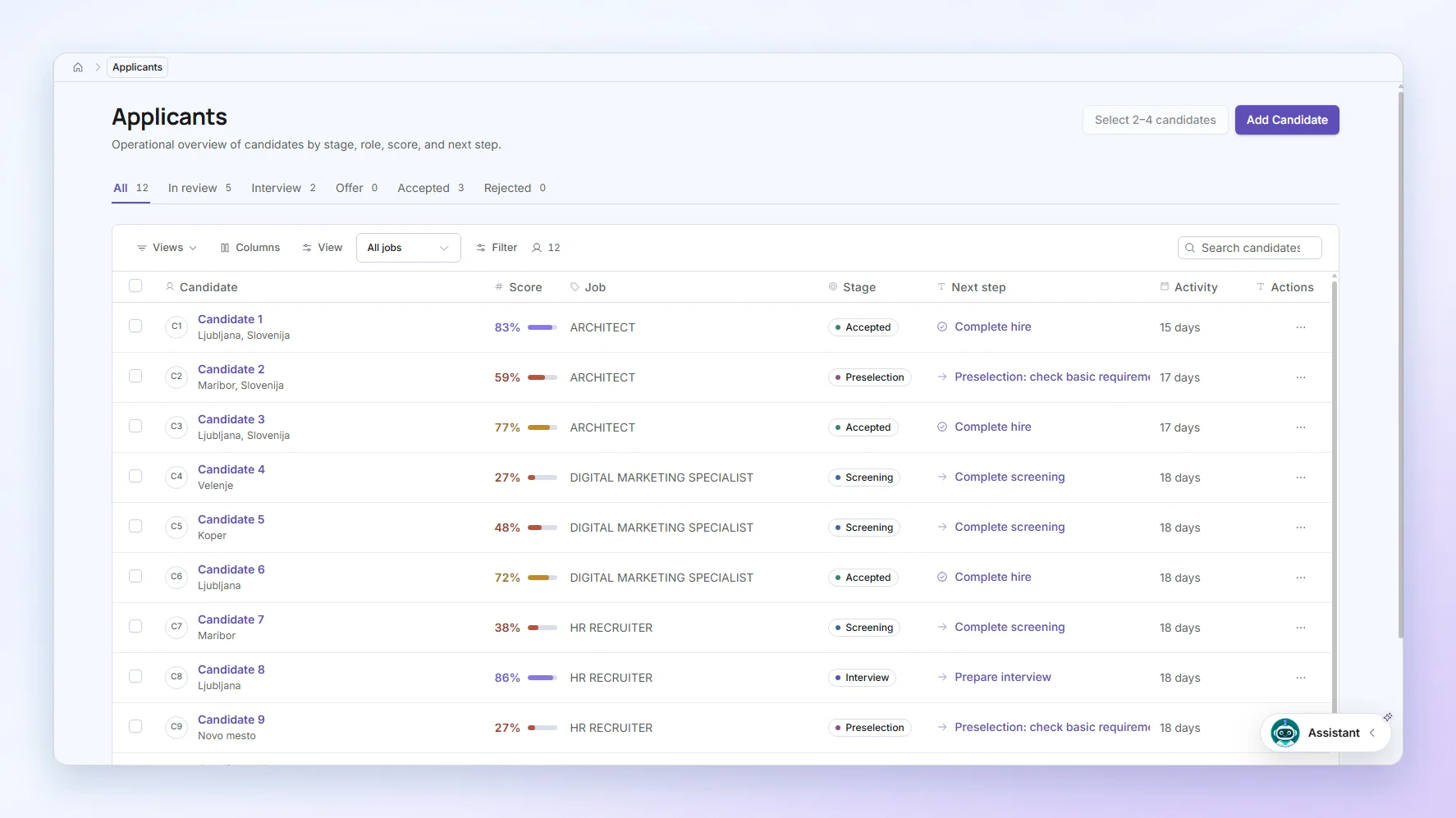
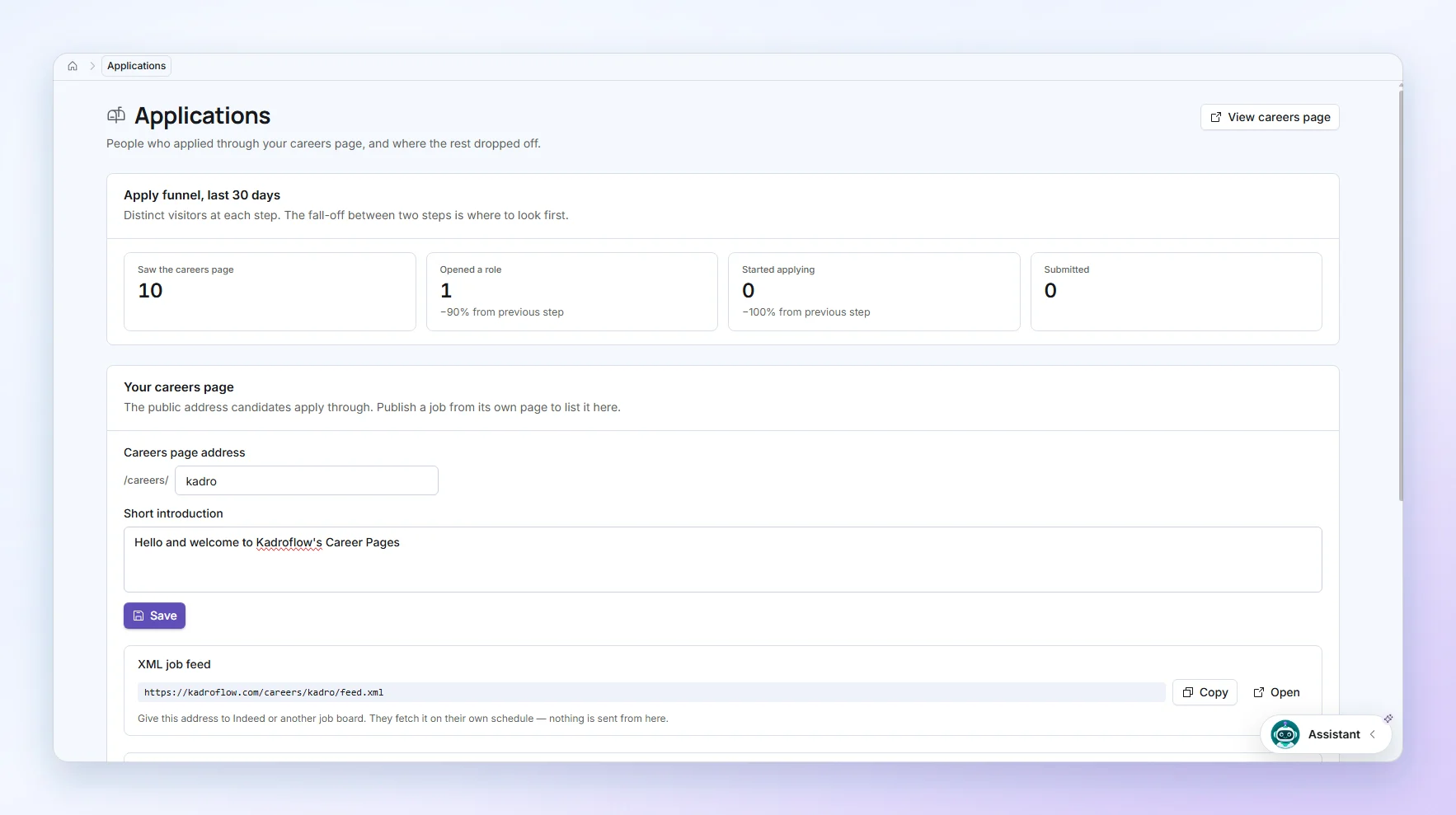
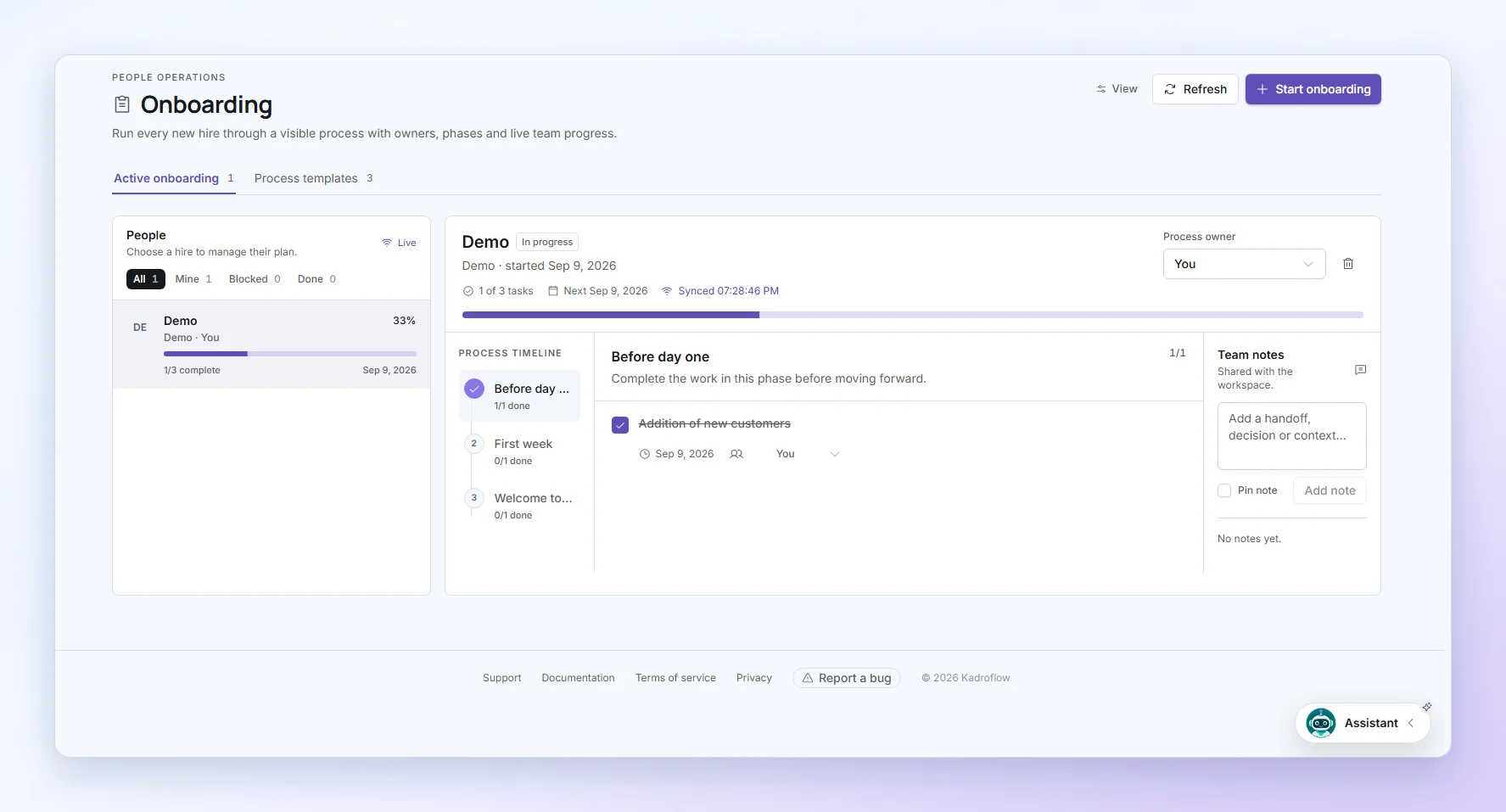
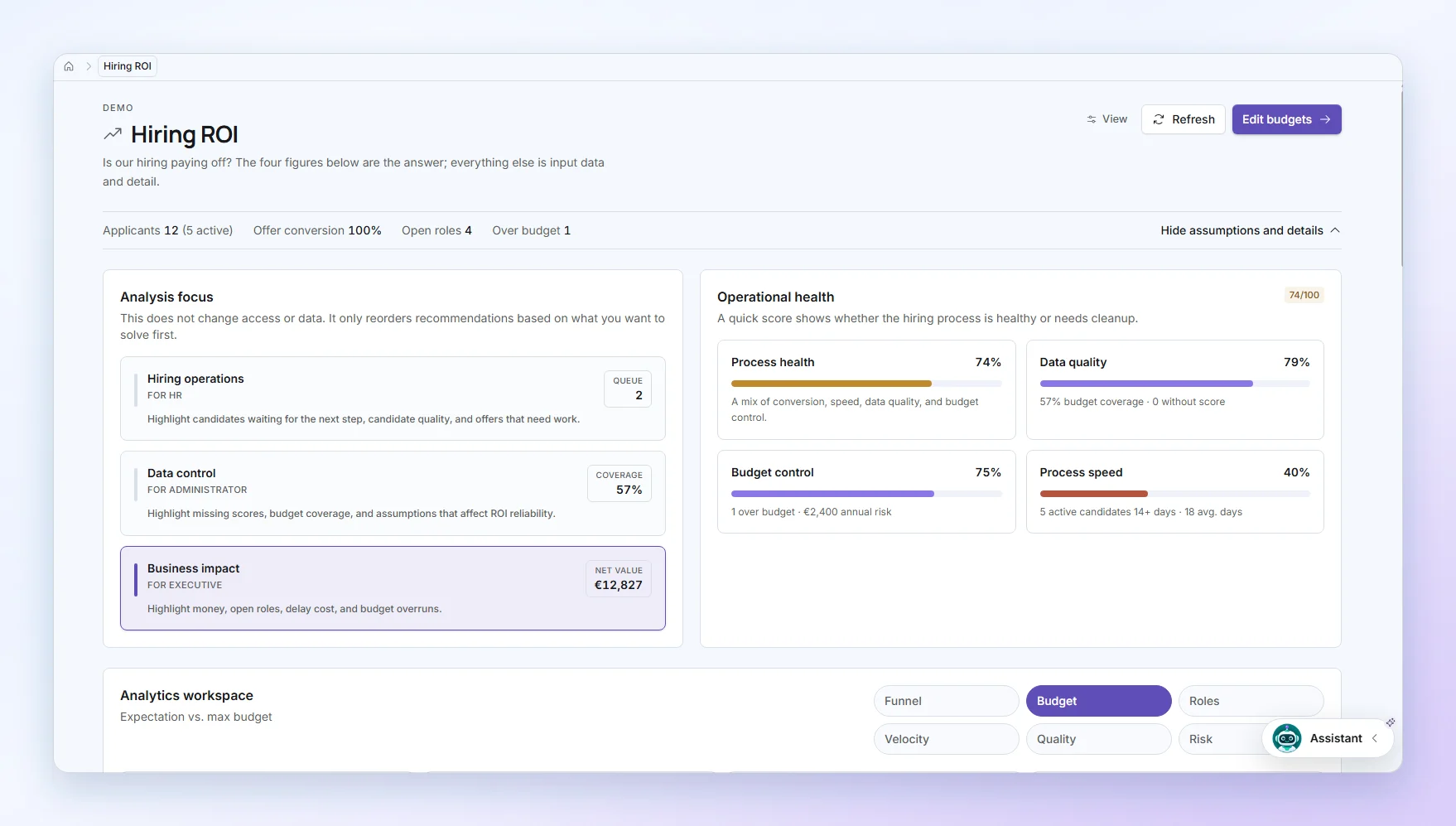
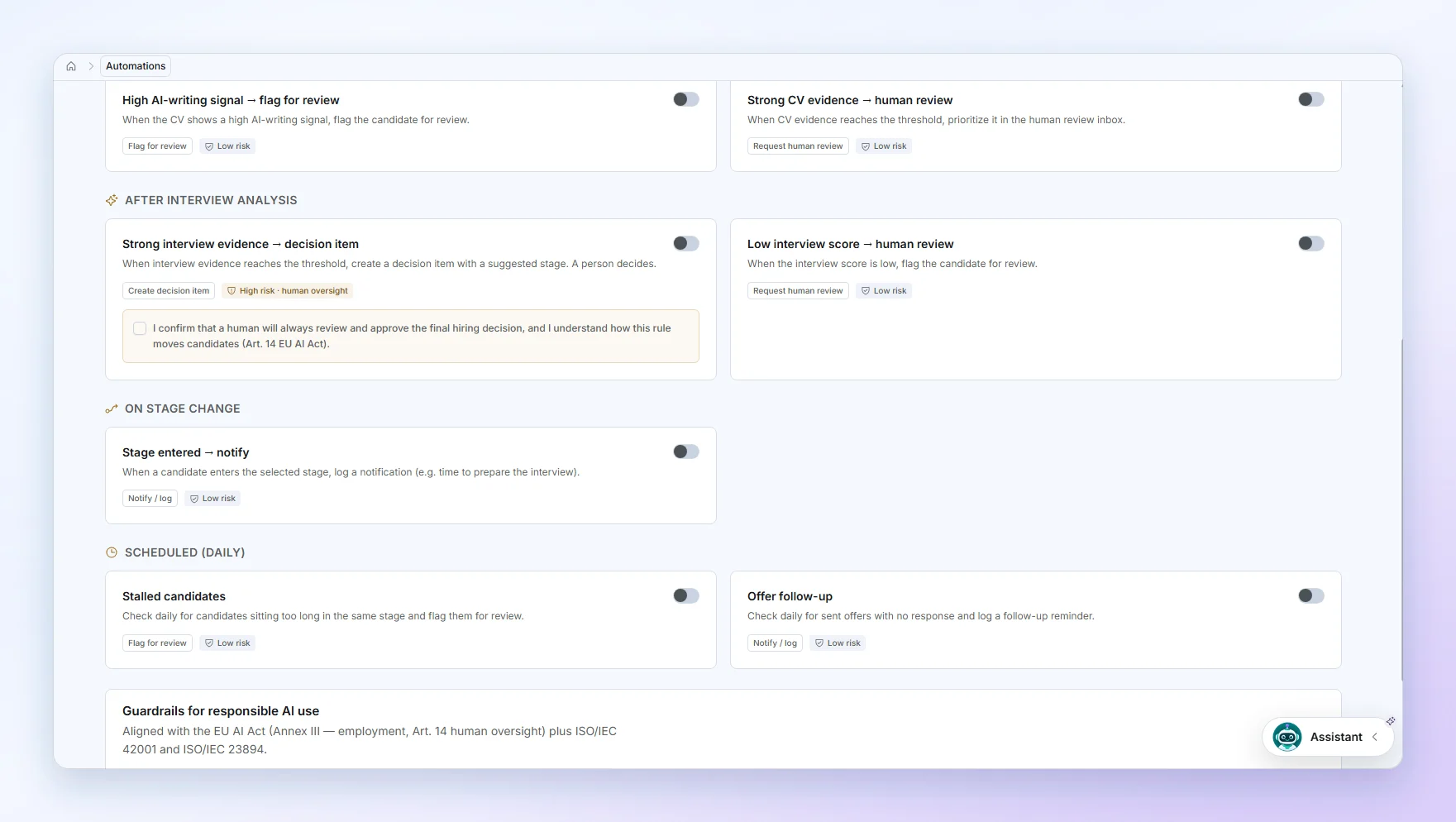
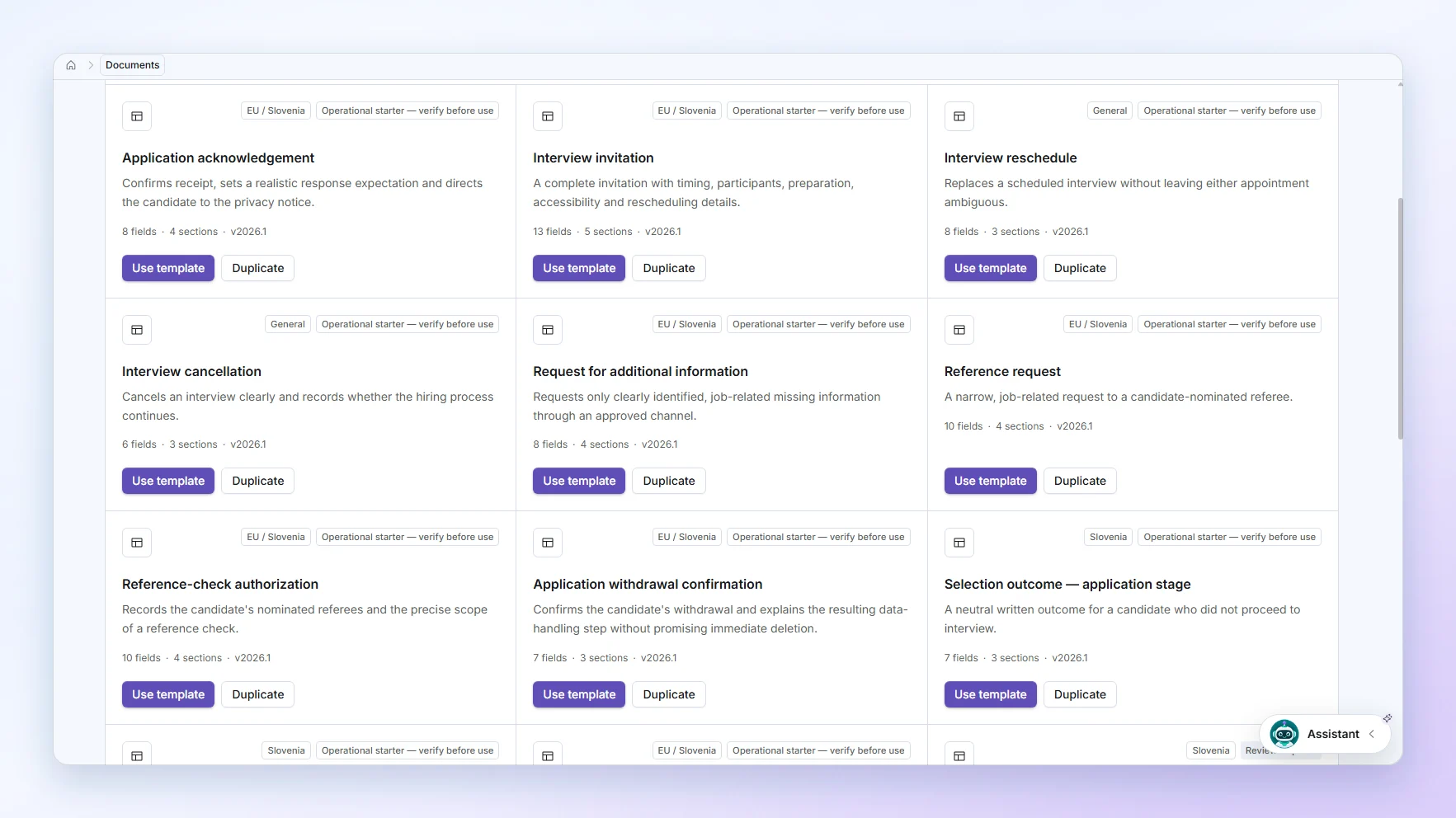
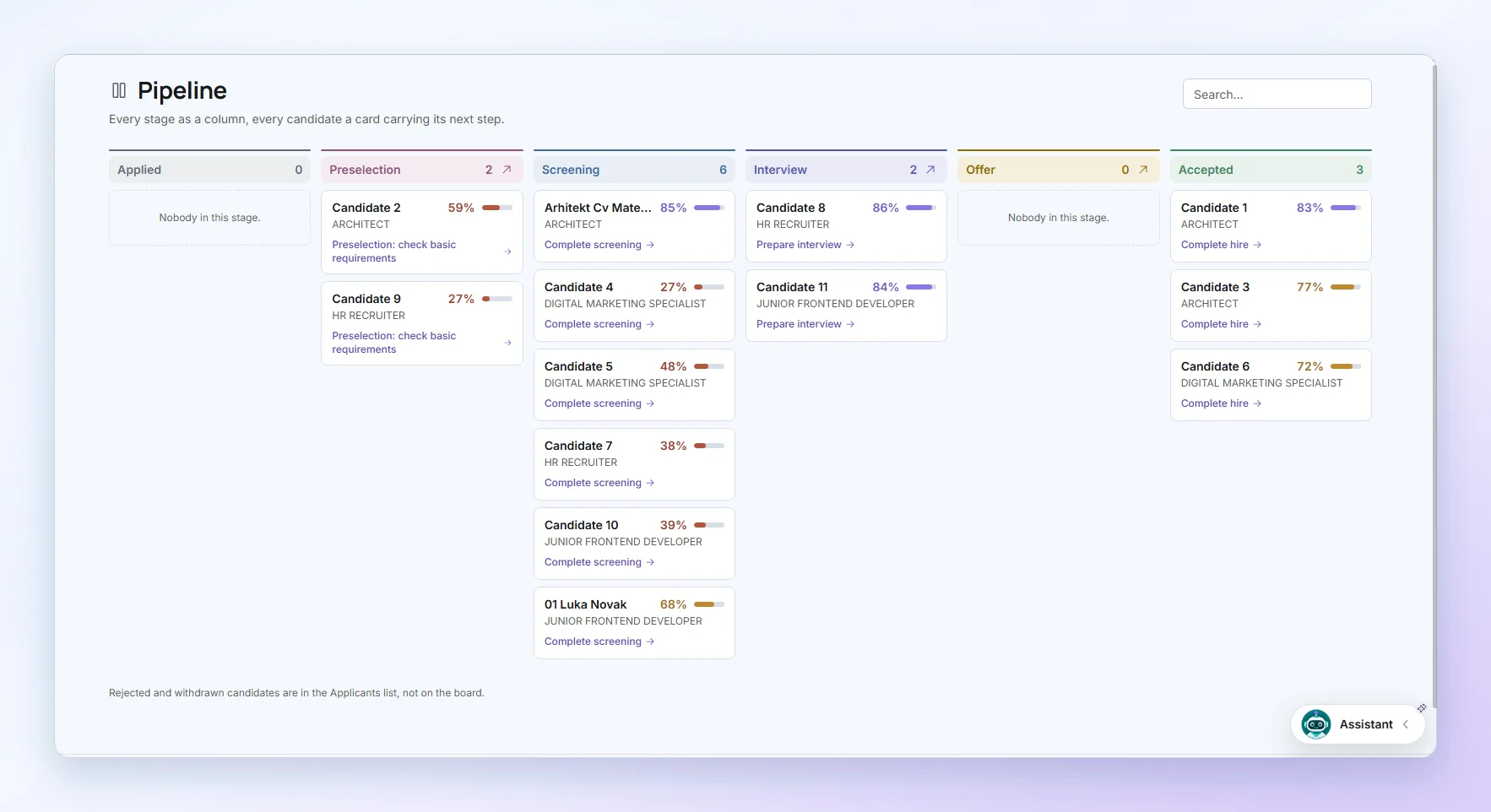
Product snapshots

The product, screen by screen.

Real screens from a demo workspace. Every name and figure is demonstration data.

Pipeline
Every stage as a column, every candidate a card carrying its next step.

Security

The controls your data protection officer will ask about.

HR data is among the most sensitive a company holds. Everything below is a mechanism in the product, not a policy statement — each one can be demonstrated in a live workspace.

Read the security pagePrivacy
EU data hosting
Candidate records live in a database in Frankfurt and files in EU-only object storage. Kadroflow AI runs text analysis on an EU-hosted endpoint. Speech-to-text runs on a service that is not pinned to an EU region.
One query cannot cross organisations
Every table enforces row-level security scoped to your workspace, in the database rather than in application code. A mistake in a query returns nothing, not somebody else’s candidates.
Personal data is encrypted in the database
AI analyses, offer documents and salary figures are encrypted field by field at rest, not just on the disk underneath; reads go through a view that decrypts only what your role may see. Names and contact details stay searchable and are protected by workspace isolation and access control instead.
Role-based access
Owner, admin, recruiter and interviewer see different things. Access is scoped per organisation and enforced in the database, not just the interface.
Two-factor sign-in
Sign in with email and password or with Google, and add time-based two-factor codes with single-use backup codes. An account without two-factor that signs in from an unfamiliar network must first enter a code sent to its email.
Invitations limited to your domains
Prove your company's email domain with a DNS record, and the workspace can then invite only addresses on it. People already in the workspace keep their access.
24-hour point-in-time recovery
The database keeps 24 hours of point-in-time history for recovery. After that no copy of a deleted record remains, and deleted files are gone at once.
Audit history
Decisions, stage changes and analysis runs are appended, never overwritten. You can reconstruct why an answer was given.

Inbox integrations

Works with what is already in your inbox

What you can install or switch on today. Anything in early access, or not yet in a public store, says so on its card.

  • Chrome extensionKadroflow Inbox opens beside the application you are reading in Gmail or Outlook on the web. Check the details, choose the CV (PDF or Word) and any certificates, and import — nothing on the page is read until you allow it.Add to Chrome
  • Outlook add-inA Kadroflow button on the message you are reading in Outlook, with the same review step: confirm the details, choose the CV and certificates, import. It asks Outlook for access to the open message only.How to install
  • Gmail add-onThe same review-and-import step, as a card beside the email in Gmail. It uses Gmail's permission for the message you have open, not access to the whole mailbox.How to install
  • Microsoft 365 mailboxConnect a Microsoft 365 mailbox to import candidate emails and CVs.
  • Gmail mailboxEarly accessConnect a mailbox to import candidate emails and CVs. Limited to early-access accounts until the app passes Google's verification.
  • Forwarding addressWorks with any email provider and needs no mailbox permission. Forward applications to your workspace's private address; nothing becomes a candidate until someone reviews it and presses Import.

The extension sends only the details you confirm and the files you select; a watched mailbox turns only messages carrying a PDF CV into candidates.

See all integrations

FAQ

Can we start without a sales call?

Yes. Create a free workspace without a credit card and test the real hiring flow.

How long before we are actually using it?

An afternoon. Create the workspace, write the requirements for one open role, and import a candidate — there is no implementation project, no data migration and nobody to schedule a call with first.

Do we have to replace everything we already use?

No. Kadroflow connects to the mailbox you already have (Microsoft 365, or Gmail in early access), so CVs keep arriving where they arrive today. It replaces the spreadsheet and the shared inbox, not your email.

We hire four people a year. Is this overkill?

That is exactly when a hire is hardest to justify, because nobody does it often enough to have a routine. The free plan keeps one role open at a time, with no card and no time limit; Plus gives three people three open roles with unlimited candidates.

Does Kadroflow replace human hiring decisions?

No. It organizes requirements, evidence, and feedback while the final decision stays with your team.

Where is our data hosted?

Data is hosted in the EU: the database in Frankfurt, files in EU-only object storage. Documents, offers and AI notes are encrypted field by field, and every query is isolated to your workspace. Speech-to-text runs on a service that is not pinned to an EU region.

What happens to our data if we leave?

You export it. Candidates, reports and payroll data all come out as CSV whenever you want them, and closing the workspace deletes the rest. Nothing is held hostage to keep you subscribed.

Can we change or cancel later?

From inside the app, without contacting anyone. Plans move up and down as your hiring does. Paid plans share the core modules and raise the limits as you go up — seats, open roles, AI and automations — and the careers page starts on Pro; Free covers jobs, candidates, preselection and interviews at small volumes.

Start small. Scale when your hiring does.

Every paid plan includes candidates, interviews, offers and onboarding. Higher plans raise the limits — people, open roles, AI and automations — and the public careers page starts on Pro. Free covers jobs, candidates and interviews.

Save 20%
Plus€59/ monthThe complete hiring workflow for small teams.
  • Users3
  • Active jobs3
  • CandidatesUnlimited
  • AI credits / month500
Choose Plus
Pro€109/ monthFor growing HR teams hiring together.
  • Users6
  • Active jobs10
  • CandidatesUnlimited
  • AI credits / month2,000
Choose Pro
EnterpriseCustomCustom limits, users, and workflow.
  • UsersCustom
  • Active jobsCustom
  • CandidatesCustom
  • AI credits / monthCustom
Talk to us
  • No credit card on the free plan
  • Change or cancel from inside the app
  • VAT included

Run one real hire through it.

Create a workspace, import a candidate and take them to a decision. That is the only way to tell whether Kadroflow fits how your team actually hires.

Free plan · no credit card · data stored in the EU